For schools and parents
School life, simplified.
Boom puts the one thing a parent needs to do on their home screen, and shows the school who has done it, as it happens.
Boom is in early development. Have a look, try the demo and tell us what you think.
The problem
Too many messages. Too much chasing.
School information reaches families through emails, letters, texts, class WhatsApp groups and separate payment and booking sites. Important things get missed.
Parents
Overloaded with information, they miss deadlines, opportunities and the notes that matter.
The school office
Staff chase the same families for replies, forms and money, often one by one.
School leaders
It's hard to see at a glance who has responded, and what is still outstanding.
One screen.
One message.
One action.
Parents see the single most important thing they need to do next. The school sees the response in real time.
For parents
One thing at a time.
The most urgent task sits alone on the home screen
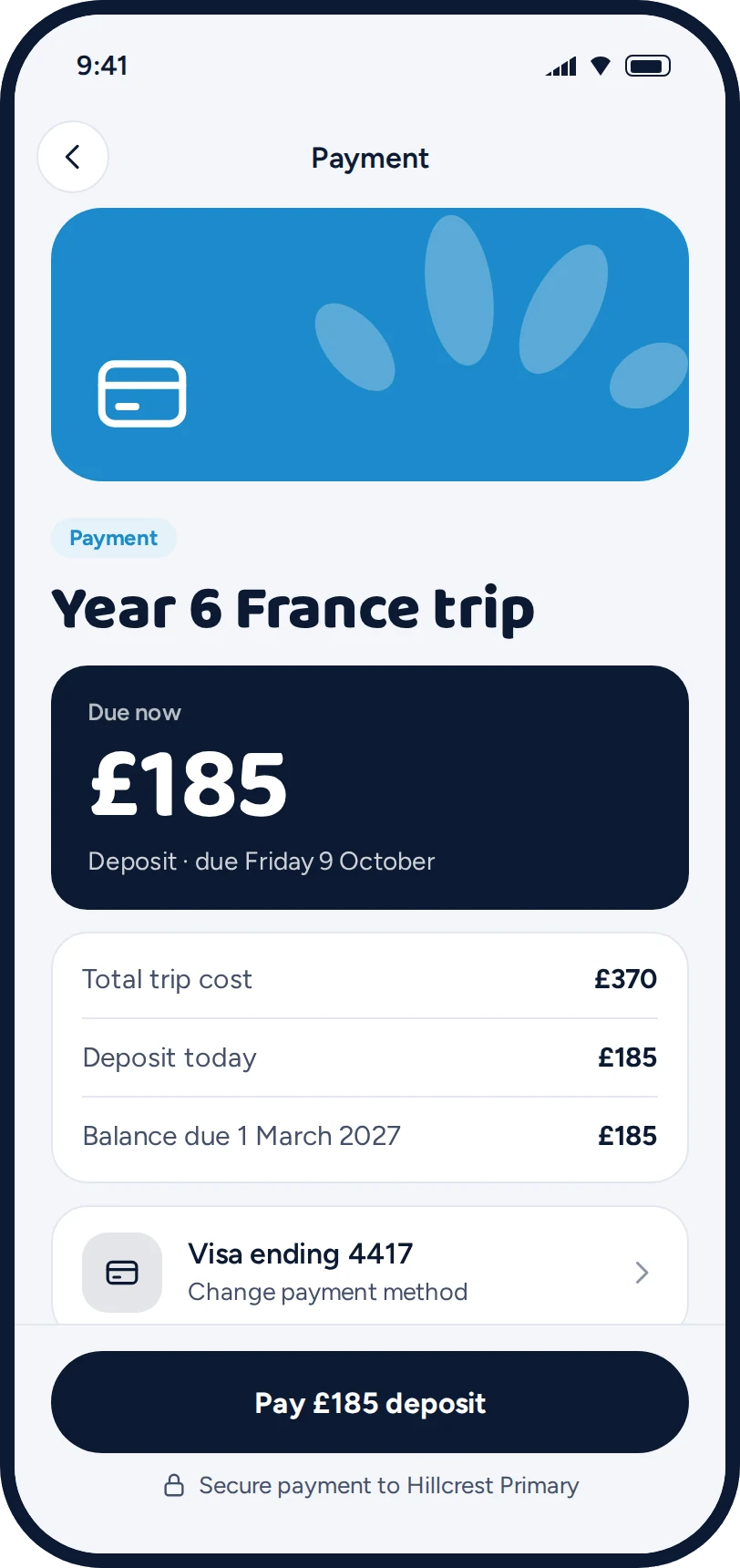
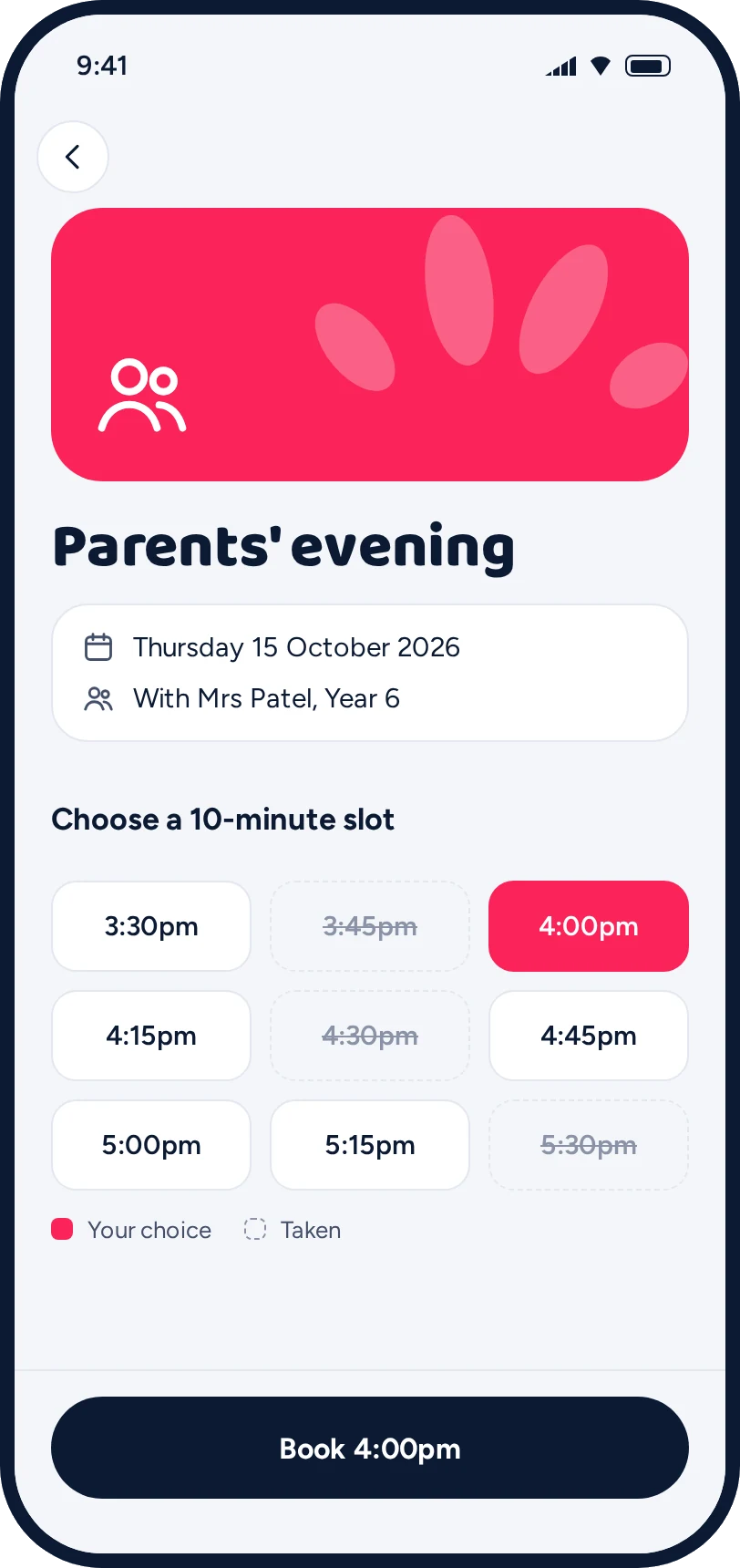
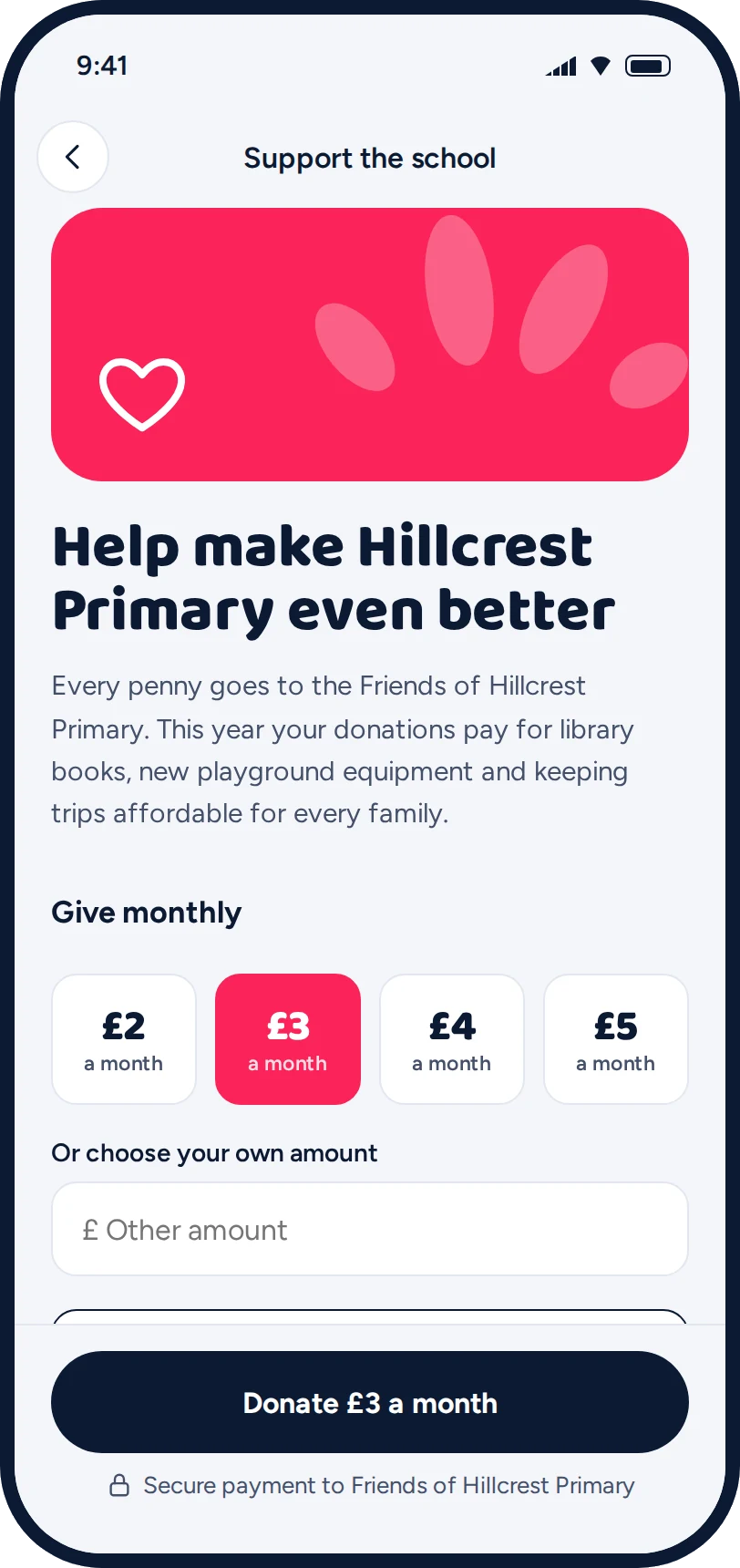
A reply, a form, a payment or a booking, with its deadline. One tap to do it.
Details are there if you want them
More information opens everything without leaving the page.
Done means gone
It moves into Actions and the next task appears. When everything's clear, the app simply shows what's coming up.
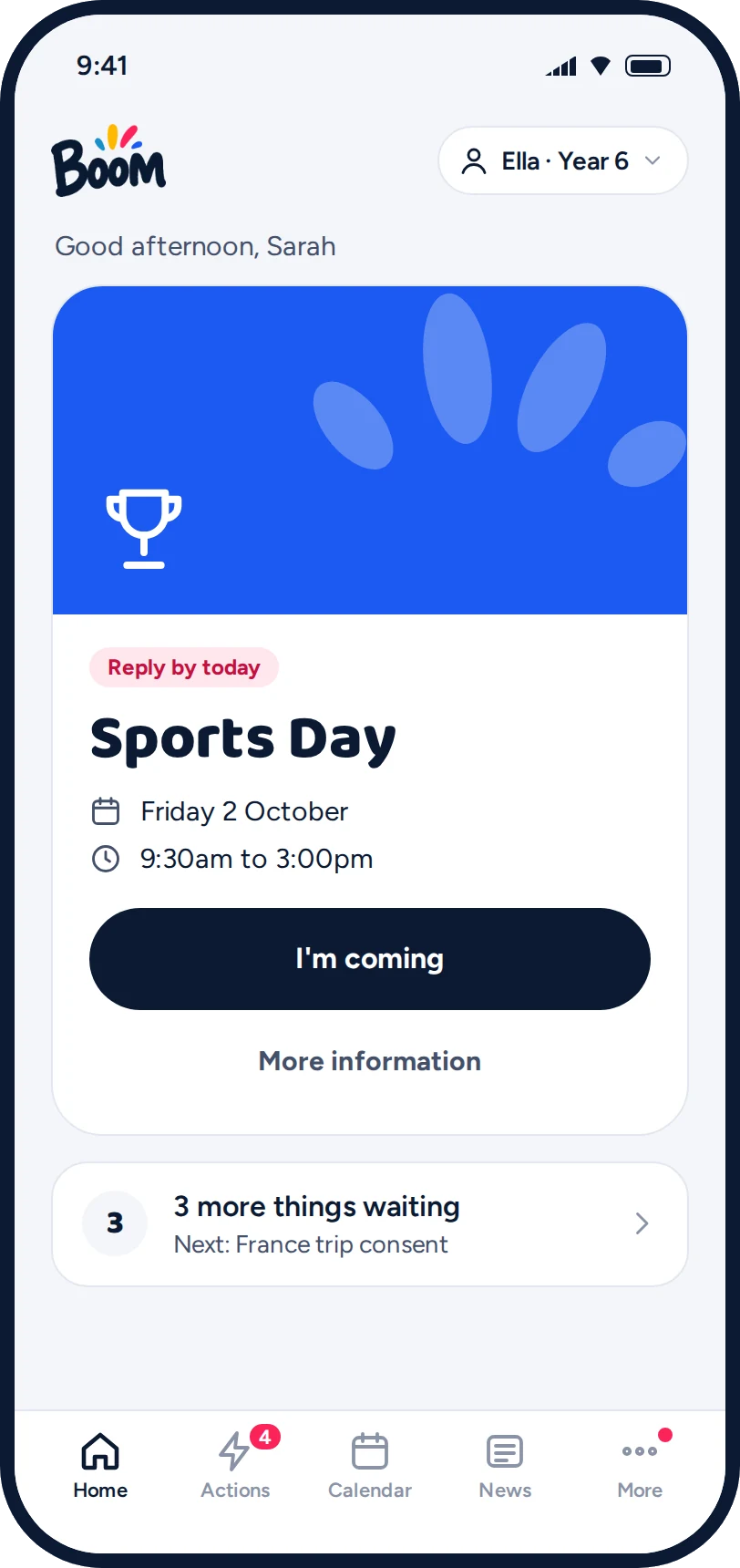
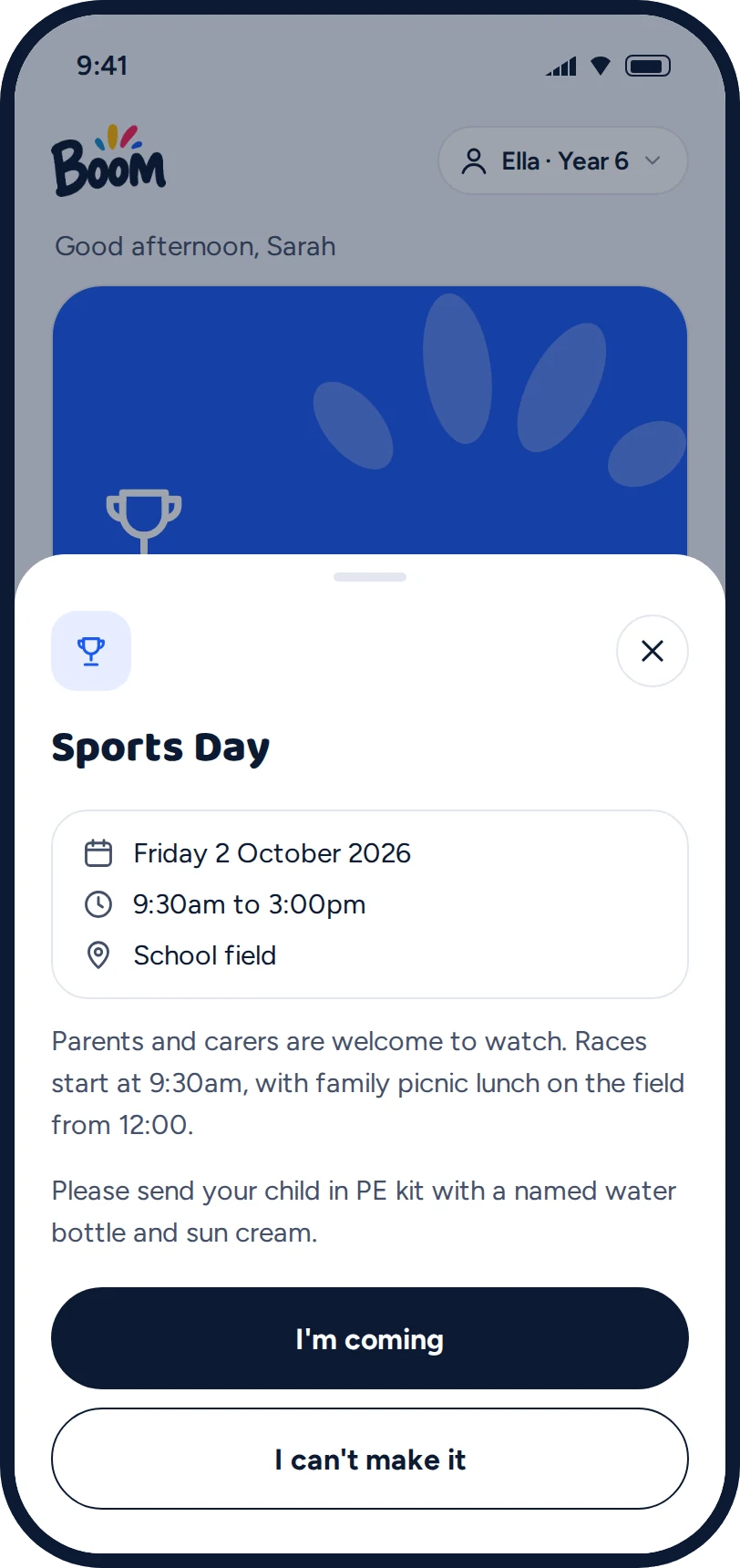
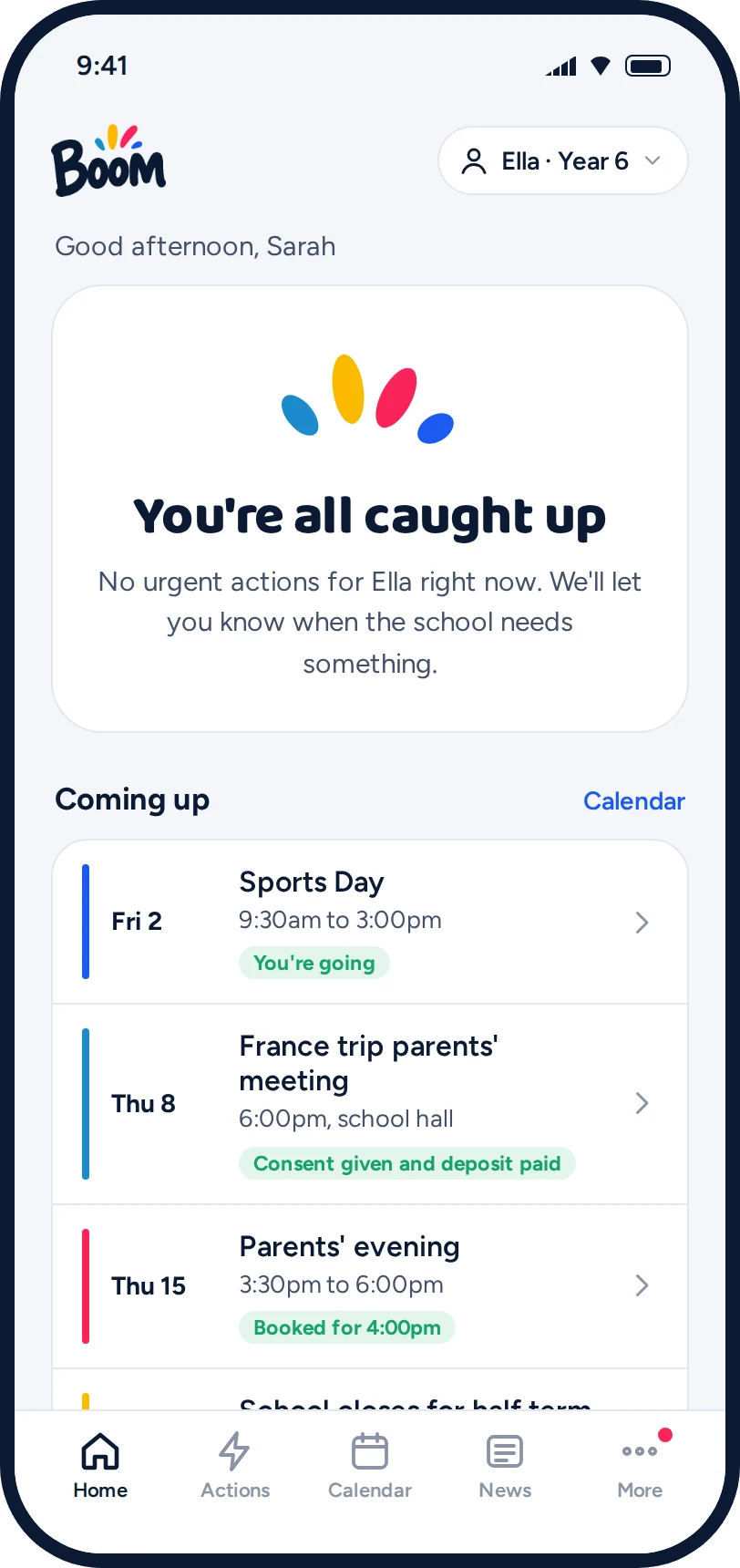
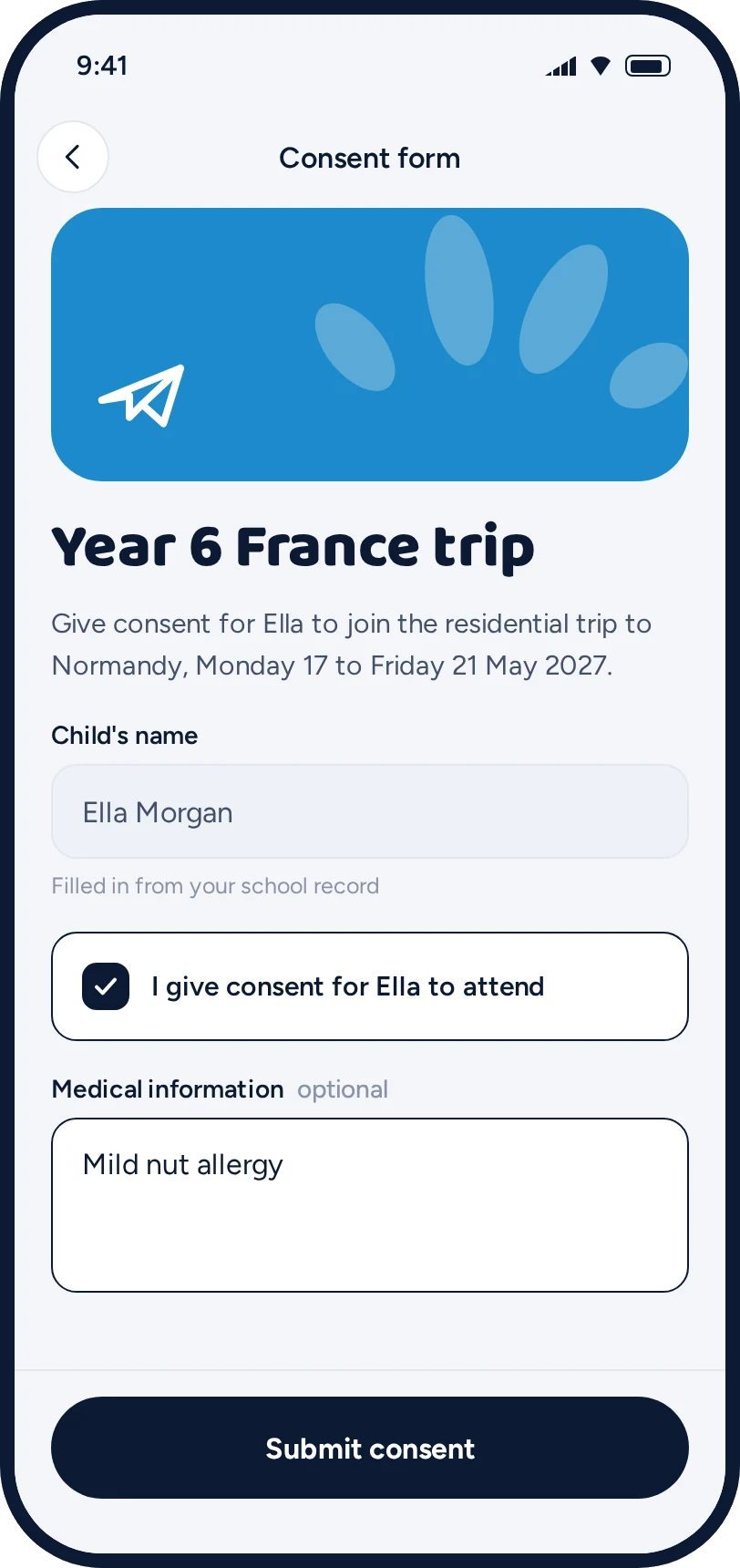
Everything parents are asked to do, in one place.
For schools
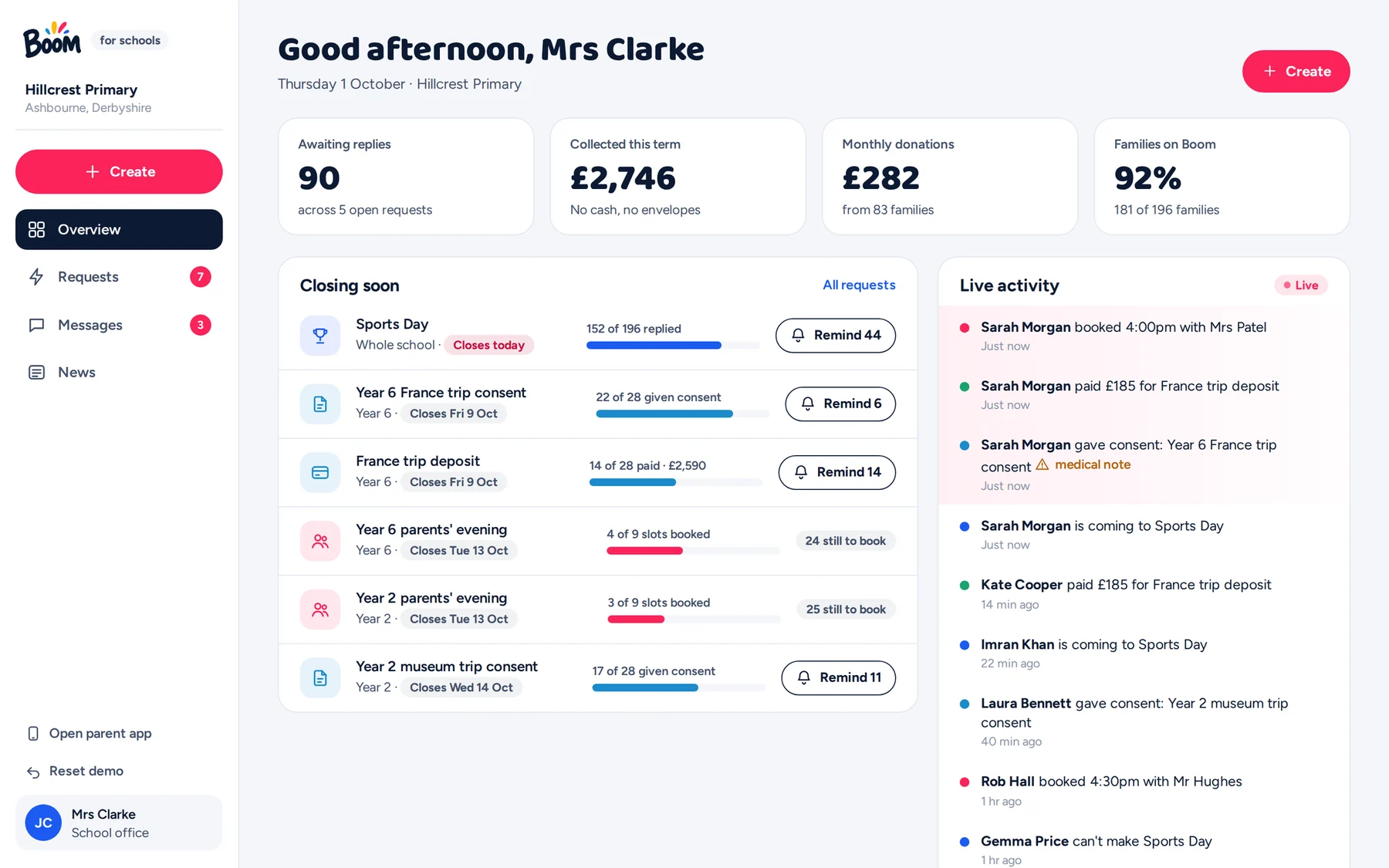
See who has replied. Chase only who hasn't.
Everything open, in one view
Replies still waiting, money collected, and what closes next.
One click to chase
Remind only the families who haven't replied.
It updates as parents act
Every reply, payment and booking appears as it happens.
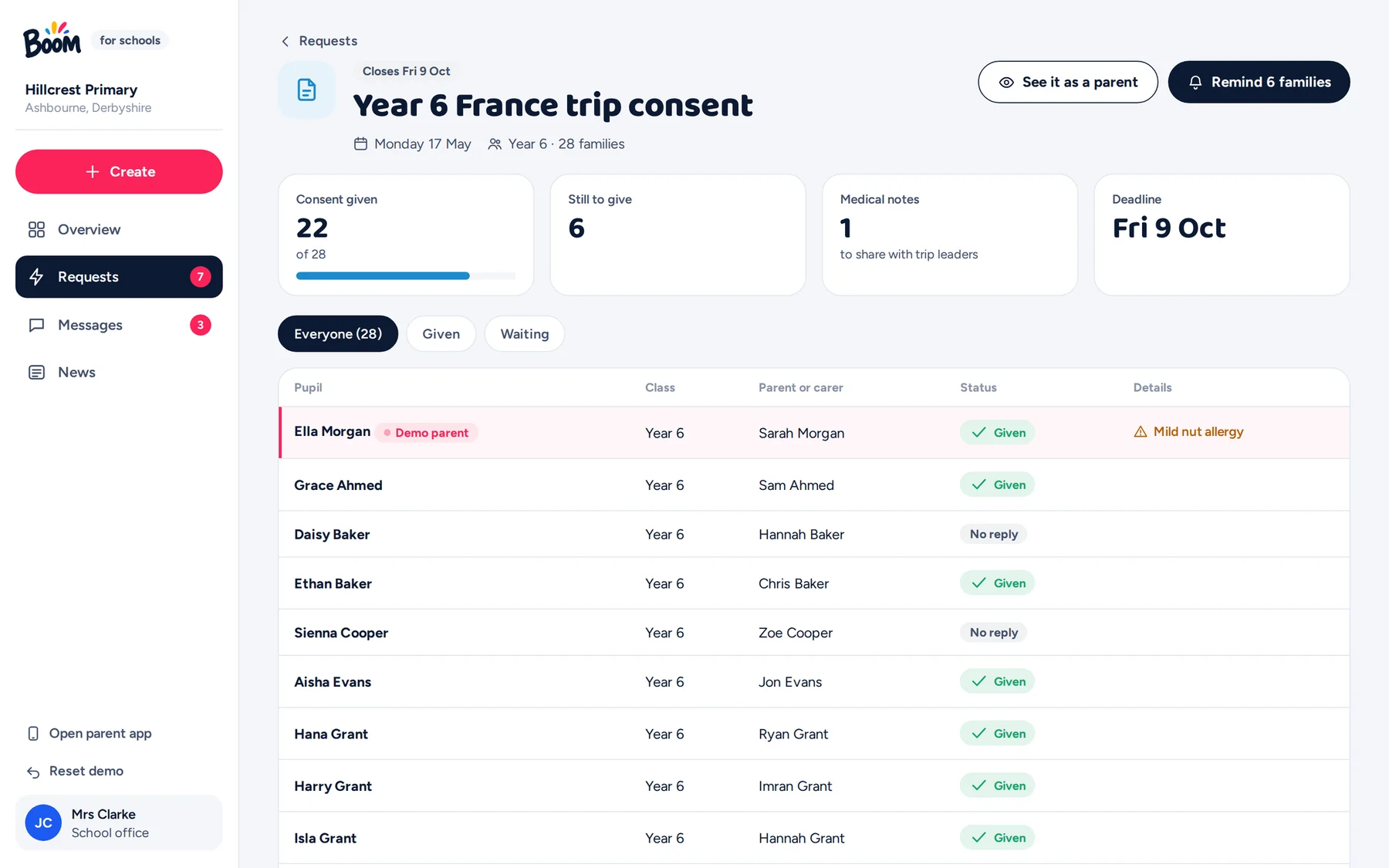
Every family, every request
Filter by class or by who's still waiting. Medical notes from consent forms are flagged for trip leaders.
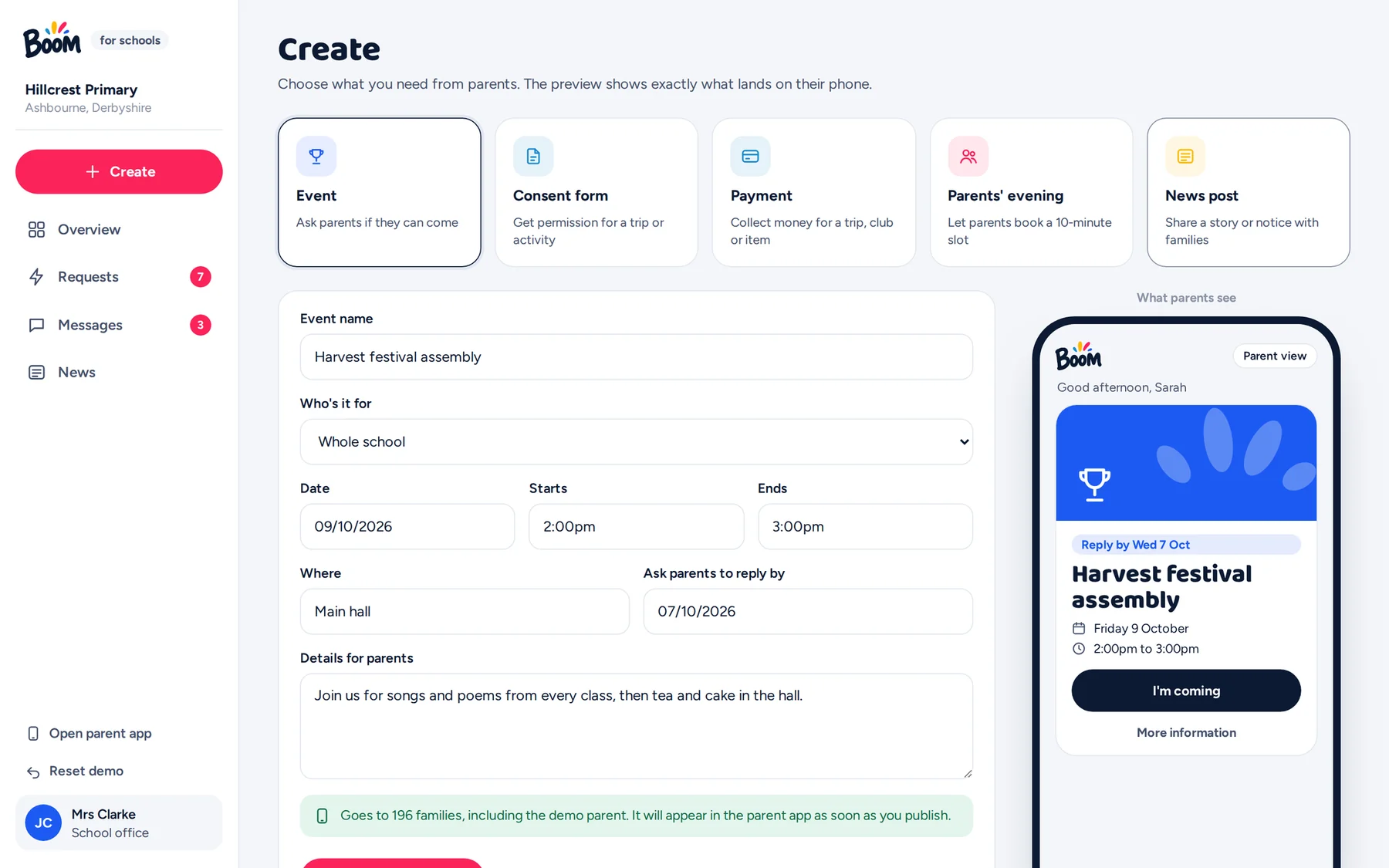
Sending a request takes seconds
An event, consent form, payment, parents' evening or news post, with a live preview of what parents will see.
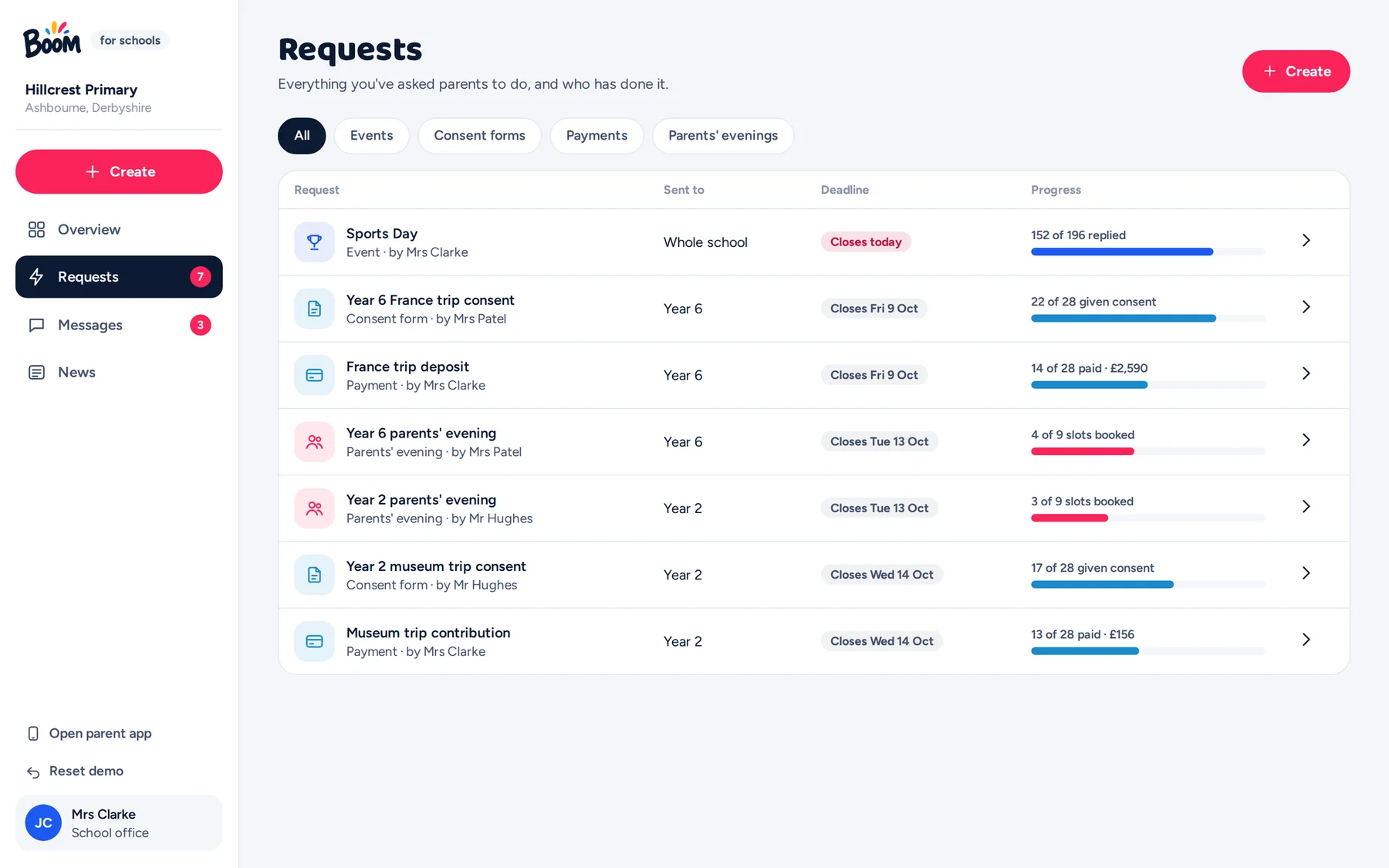
Payments reconcile themselves
Who has paid, how, and what's outstanding. No cash, no envelopes.
How it works
Two sides, working together.
The school sends a request
An event, form, payment or booking, to one class or the whole school.
It becomes the parent's next task
Ordered by deadline, so the most urgent thing is always first.
The parent does it in one tap
Reply, give consent, pay or book, without leaving the app.
The school sees it straight away
And reminds only the families who haven't responded.
Try it yourself
See both sides in action.
The demo is fully working. The school, families, messages and figures are invented, and nothing is sent to anyone.
The parent app
Best on a phone, or in a laptop browser where it appears in a phone frame.
Open the parent appTo see them work together, open both in the same browser, side by side. Send a request from the school side and watch it arrive on the parent's phone, then reply as the parent and watch the school side update. "Reset demo" puts everything back to the start.
The deck
Boom: an early look.
What Boom does, how it works and why we built it, in thirteen slides. Ideal for sharing with colleagues and governors.
Download the deck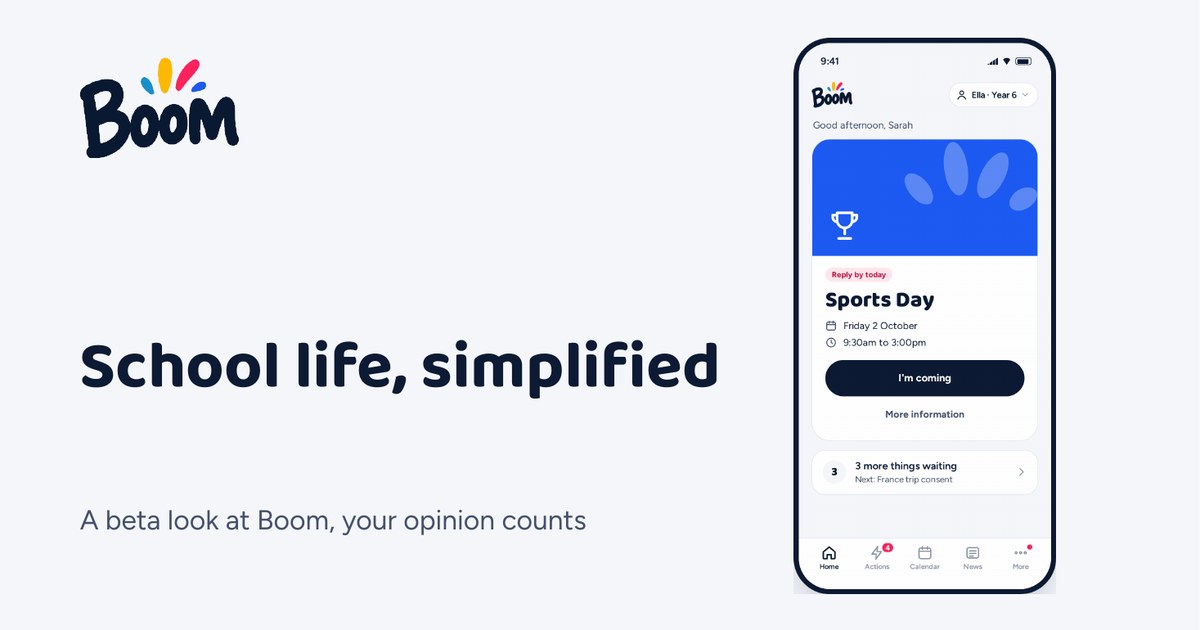
Thanks for taking a look.
Have a go with the demo, have a read of the deck, and tell us honestly what you think. Your feedback is what shapes Boom.